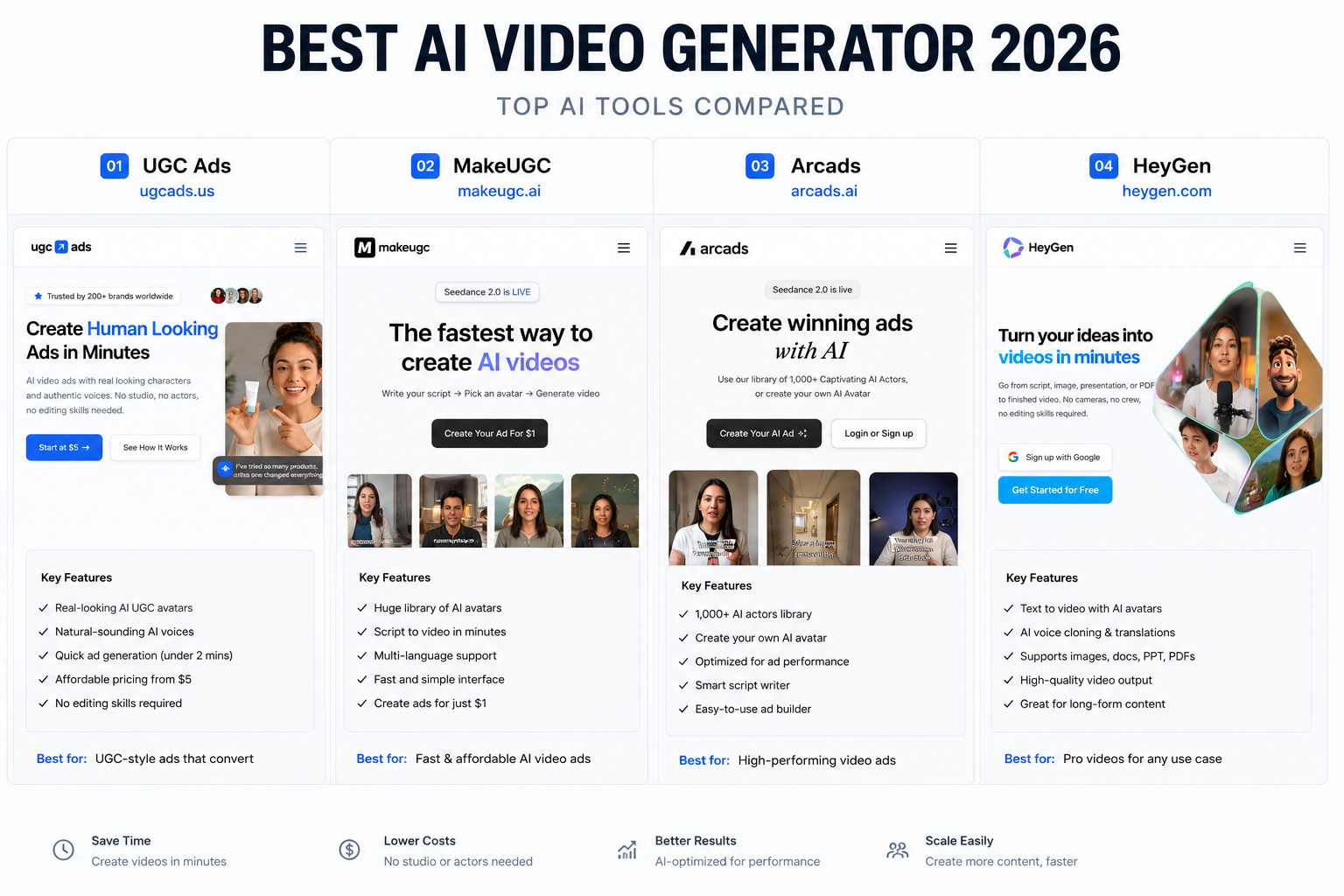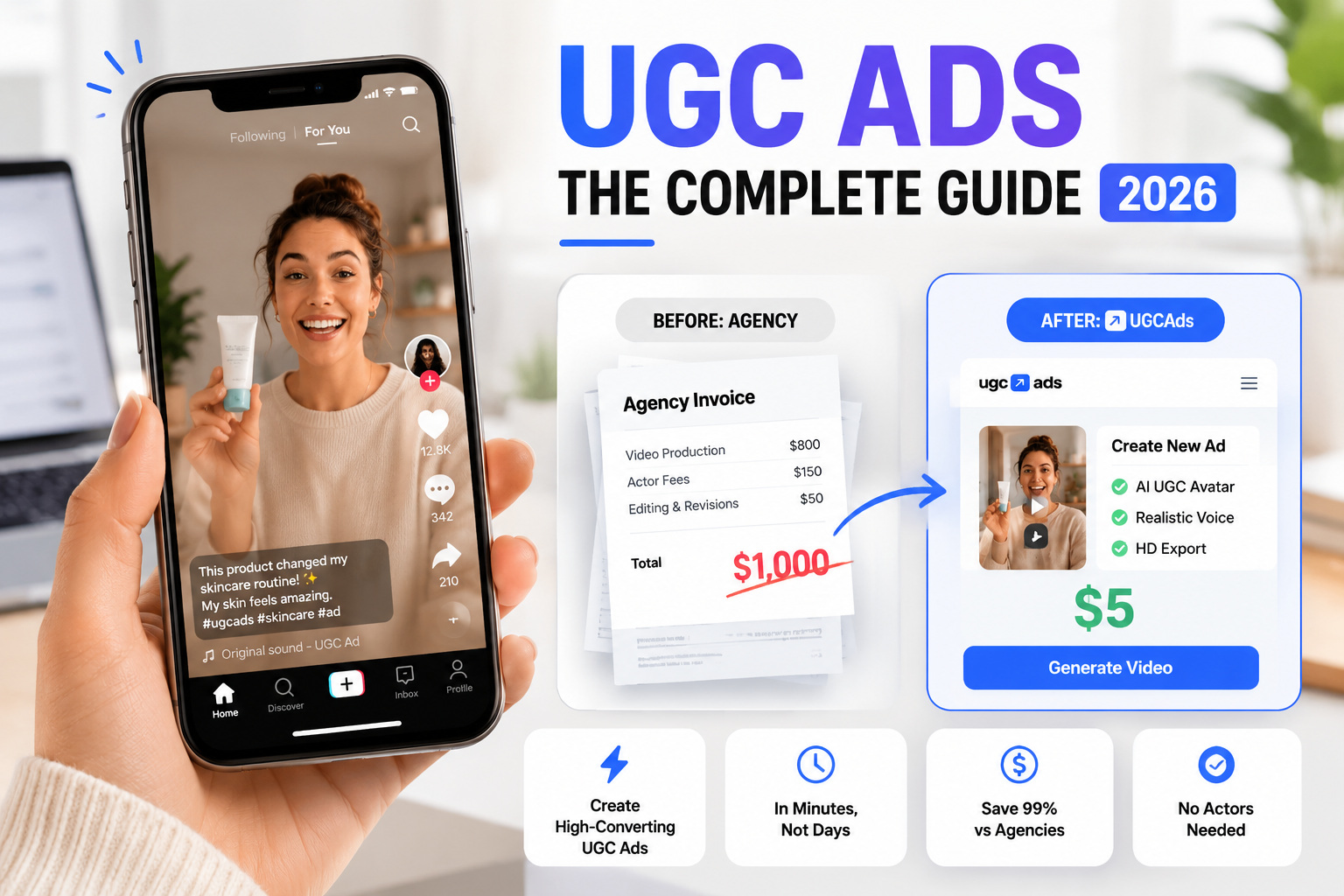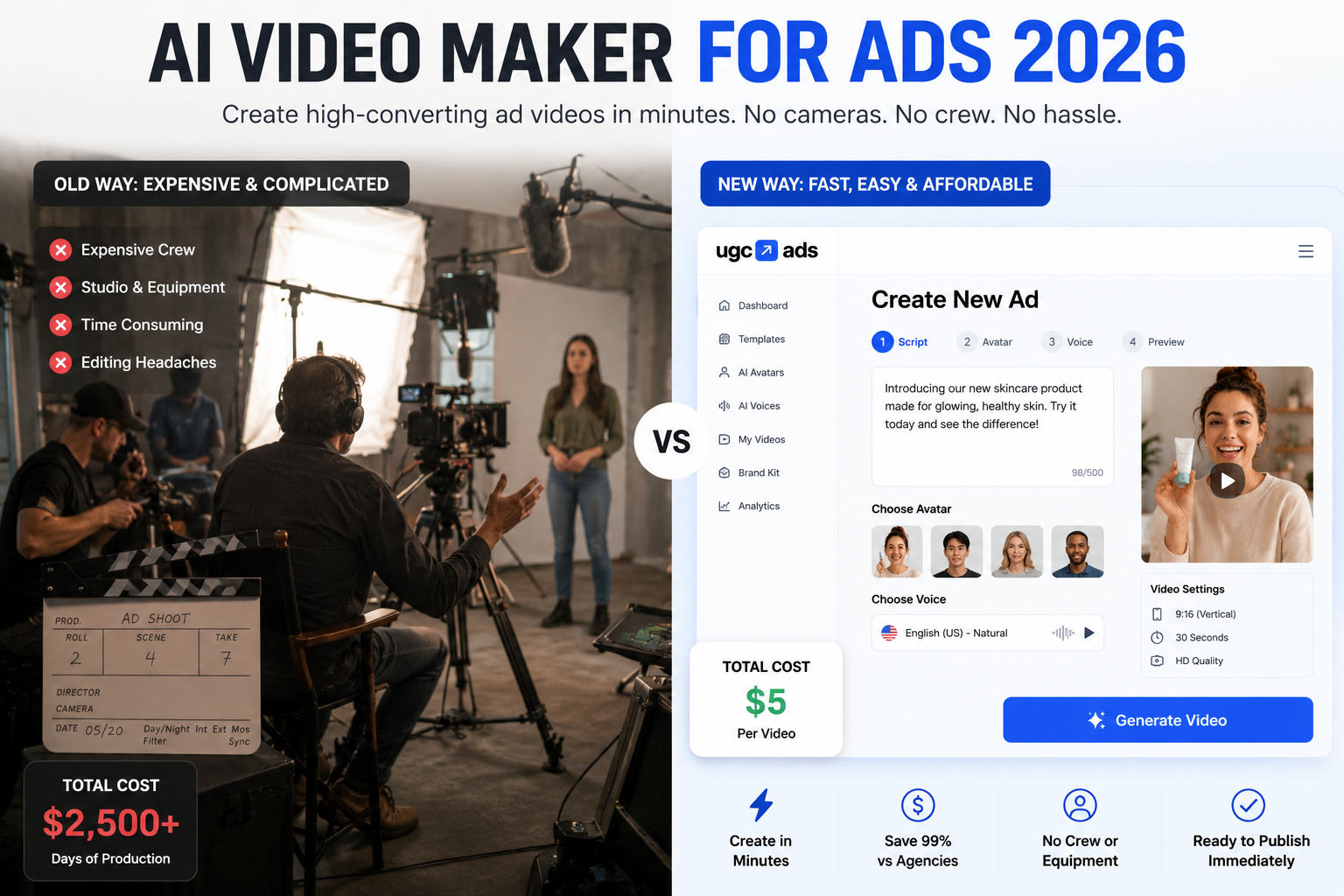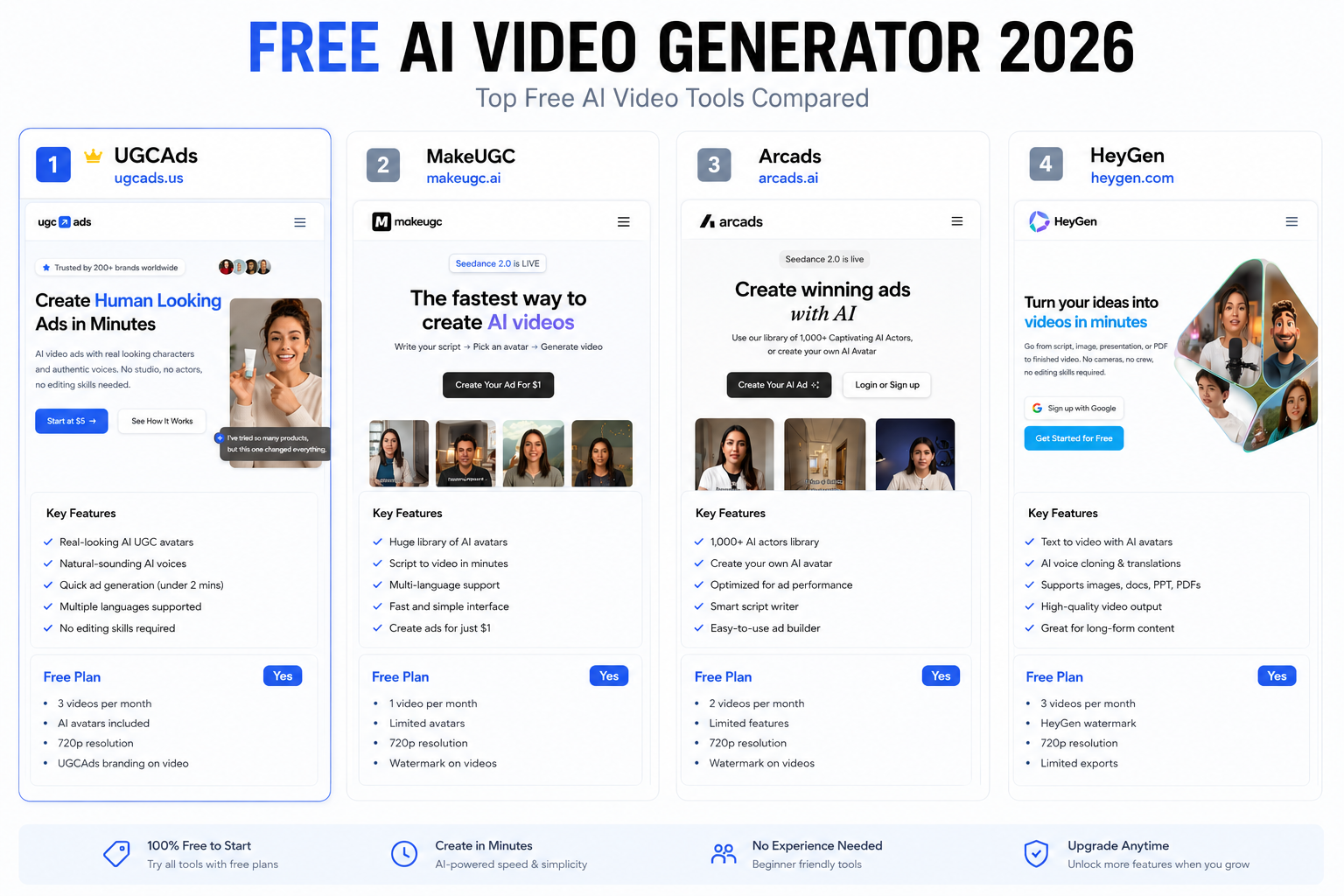
Let Me Save You Some Time on the "Free AI Video Generator" Search
Every week I see people in marketing forums asking for free AI video generators. Usually the context is: "I need to test whether AI video will work for my brand before I spend any money." That is a completely reasonable thing to want to know.
The frustrating reality is that most of the blog posts answering this question are just lists of tools with screenshots and no actual testing. They include tools with tiny free tiers as if they are equally useful. They do not tell you what the watermarks look like, what happens to your resolution, or whether you can legally run the output as a paid ad.
I have spent a lot of time in this space — I lead growth at UGCAds, which means I talk to hundreds of brands every month about their creative production needs. Here is the honest version of this comparison.
What "Free" Usually Means for AI Video Tools
Before the list, it helps to know that "free" in this market almost always means one or more of the following limitations:
- Watermarks: The platform's logo is embedded in the video. You cannot remove it without paying. Running a watermarked video as a paid ad is almost always against the ad platform's policies and it signals inauthenticity to viewers.
- Resolution caps: Free tiers typically max out at 720p. TikTok and Instagram Reels technically accept this but perform better at 1080p. YouTube requires at least 720p but prefers 1080p.
- Generation limits: Most free tiers give you somewhere between 2 and 10 generations per week or month. Enough to see what the tool can do, not enough for actual production.
- Commercial use restrictions: Some free-tier outputs are licensed for personal use only. If you run them as paid ads, you are technically in violation of the ToS. This is buried in the fine print of several major platforms.
None of this is necessarily a dealbreaker depending on what you need. Let me go through the options honestly.
The Best Free AI Video Generator Tools in 2026
InVideo AI — The Most Useful Free Tier
InVideo AI has the most genuinely usable free plan of any AI video platform I have tested. You get 4 video exports per week, which is actually enough to produce meaningful content if you plan your usage.
The catches: exports are watermarked and capped at 720p. You can not remove the watermark without upgrading to their Plus plan ($20/month). For organic social — posting on your own accounts, testing on organic TikTok before spending ad budget — this is workable. For paid ads, the watermark kills it.
The text-to-video quality on the free tier is decent for 2026. Not the best in class but respectable. The interface is clean and the stock footage library is solid.
Free limits: 4 exports/week, watermark, 720p
Commercial use on free tier: No
Best for: Organic social content, proof-of-concept testing
Canva — Free for Editing, Not for AI Video Generation
Canva's free tier is genuinely excellent for graphic design and basic video editing. But if you are looking for AI video generation — creating video from text prompts — that requires Canva Pro ($15/month).
What you get for free: templates, transitions, stock music, basic animations, and trimming. What you do not get for free: AI video generation, background removal, or the AI tools that Canva actually markets.
I include Canva here because it consistently shows up in "free AI video generator" searches even though the AI video part is not free. Worth knowing before you sign up expecting text-to-video and discovering you need to pay.
Free limits: No AI video generation on free plan
Best for: Simple social posts, editing existing footage, slide-based video
Runway — Best Free Quality, Worst Free Quantity
Runway gives new users 125 credits when they sign up. That sounds generous until you discover that a single 4-second video clip costs around 25 credits. So your welcome credits get you roughly 5 short generations, after which you need to pay.
The quality of those 5 generations is genuinely impressive — Runway's Gen-4 model produces some of the best cinematic AI video available. If your goal is to evaluate whether AI video quality can meet your standards, 5 generations is enough to make that call.
But if your goal is ongoing production, the one-time credit bank is not useful. And Runway does not have an avatar or lip-sync system, so it is not the right tool for talking-head UGC ads anyway.
Free limits: ~5 short clips lifetime, then paid
Best for: Testing output quality, cinematic concept clips
CapCut — Free AI Tools but Not Video Generation
CapCut's free tier is genuinely good for video editing. Auto-captions, AI background removal, speed ramping, trending transitions — all free. ByteDance built CapCut around TikTok's native content style and it shows.
What CapCut is not: a text-to-video generator. You cannot generate AI video from scratch on the free tier. What you can do is edit UGC footage you already have, add AI effects to it, and export for TikTok. For brands that have some real customer footage but want to enhance it, CapCut's free tier is excellent.
Free limits: Full editing features free; AI video generation requires Pro
Best for: Editing real footage, TikTok-native content creation
Pika Labs — Short Clips, Limited Commercial Use
Pika Labs offers a free tier that lets you generate short video clips from text or image prompts. The clips are brief — typically 3-5 seconds — and watermarked. Output quality has improved a lot over the past year and the generation speed is fast.
Check the commercial use terms carefully before using Pika free outputs for advertising. As of early 2026, free-tier outputs from Pika restrict commercial use.
Free limits: Short clips, watermark, commercial use restrictions
Best for: Personal creative projects, visual experimentation
When Does "Free" Actually Work?
Free AI video generation is genuinely useful in a specific set of circumstances:
You need to prove the concept internally. If you are trying to convince a skeptical CMO that AI video can work before requesting budget, a few InVideo or Runway outputs from the free tier are enough to make that case without spending anything.
You only need organic social content. If you are posting on your own brand accounts and not running paid ads, watermarks matter less and 720p resolution is acceptable on most platforms.
You are testing whether a specific style works. Before spending $50 on 5 video generations, it is worth using free tools to see if the visual direction you have in mind produces good outputs at all.
Free stops being useful the moment you need professional output for paid advertising. The watermark problem alone makes it impractical — and the resolution cap means you are not producing at the quality your ad campaigns need.
The Cheapest Paid Entry Point: UGCAds Starter at $5
I work at UGCAds so I am obviously not a neutral voice here. But the math is the math: if free tools are not meeting your needs and you need a professional AI video ad without a monthly commitment, the UGCAds Starter pack is the cheapest way to get there.
For $5 — one-time, no subscription — you get:
- 1 full AI video ad, 1080p, no watermark, full commercial rights
- 25 AI product photo generations
- 8 AI model try-on generations
- Access to Seedance 2, Sora 2, Kling 3.0, and Veo 3.1
The point is not to lock you into UGCAds. The point is to let you generate one real ad, run it, see if it performs, and decide based on results rather than promises. If that one ad generates $500 in revenue, the decision to invest in a Creator plan becomes obvious. If it does not work for your brand, you have spent $5 finding that out rather than $39/month for three months while you try to figure it out.
Compare that to every free option above, where the restrictions mean you cannot actually test the thing you need to test (performance in paid ads), and the $5 entry point starts to look like the more rational "free trial" than the actual free tiers.
The Real Question: Free vs $5 vs $39/Month
Here is how I would think about this decision tree:
Use a free tool when: You need to build an internal business case, you are producing organic-only social content, or you have zero budget and need to start somewhere.
Spend $5 when: You want to see whether AI video ads can perform for your brand specifically, before committing to any subscription. One real production-quality ad, no ongoing cost.
Upgrade to $39/month when: Your $5 test generated results — conversions, click-throughs, lower CPMs — and you want to produce consistently. The UGCAds Basic plan gives you 100 credits (6-7 video ads plus product photography), which is enough for a weekly creative testing cadence.
Most brands I talk to go from skepticism about AI video to $39/month within their first two weeks of testing. Not because we push them there, but because the first ad that performs changes the calculation immediately.
What the Free Options Cannot Do for Ad Production
Let me be specific about what free AI video tools are missing for anyone running paid advertising:
- No AI avatars for talking-head UGC: Free tools generate scenes and landscapes well. Generating a realistic person delivering a scripted message with lip-sync requires the production infrastructure that only paid platforms have built.
- No multilingual voiceover: Creating ads in French, Spanish, German, or any language other than English requires paid text-to-speech and translation infrastructure.
- No template library: Ad-optimised formats — aspect ratios, intro/outro structures, caption overlays — are not part of free-tier offerings.
- No script assistance: The AI script generation that helps you write a direct-response hook and CTA is a paid feature on every platform that offers it.
If any of those capabilities matter to you (and for ad production, most of them do), you are paying regardless of which tool you choose. The question is just where you start.
Bottom Line
If your goal is genuinely just to experiment with AI video and see what it can do, InVideo AI's free tier is the most accessible starting point. You will hit its limits quickly if you want professional ad output, but it is a valid first step.
If your goal is to produce an AI video ad you can actually run in a paid campaign, the free tier landscape is not going to get you there. The UGCAds $5 Starter is the lowest-cost path to a finished, commercial-use, watermark-free AI video ad.
Want to understand the broader strategy for AI video advertising before you dive in? Read our complete guide to UGC ads for the full picture on formats, scripts, and testing frameworks.